Creating a home workspace that is both clutter-free and productive can make a huge difference in your daily work routine. When your environment is organized, it’s easier to concentrate, complete tasks efficiently, and reduce stress. Whether you have a dedicated room or a small corner, these tips will help you design a workspace that supports your best work.
Why a Clutter-Free Workspace Matters
A tidy workspace helps clear your mind and minimizes distractions. Clutter can cause stress, reduce focus, and make it difficult to find what you need. By organizing your workspace thoughtfully, you create a positive atmosphere that encourages productivity and creativity.
Choosing the Right Location
Before organizing, consider where your workspace will be:
– Quiet and Private: Select a spot with minimal noise to avoid distractions.
– Natural Light: Position your desk near a window if possible; sunlight can improve mood and energy.
– Space for Essentials: Pick a place that has enough room for your computer, supplies, and storage.
Even a small corner can be transformed into an efficient workspace with the right setup.
Decluttering Your Workspace
Start by clearing your desk completely:
- **Remove Everything:** Take every item off your desk and sort through it.
- **Keep Only Essentials:** Decide which items you use daily and can stay on your desk.
- **Find a Home for Other Items:** Store less-used supplies in drawers, shelves, or boxes.
- **Dispose or Donate:** Throw away broken items and consider donating supplies you no longer need.
This process immediately creates a sense of order and makes organizing easier.
Organizing Your Desk
Choose Functional Storage Solutions
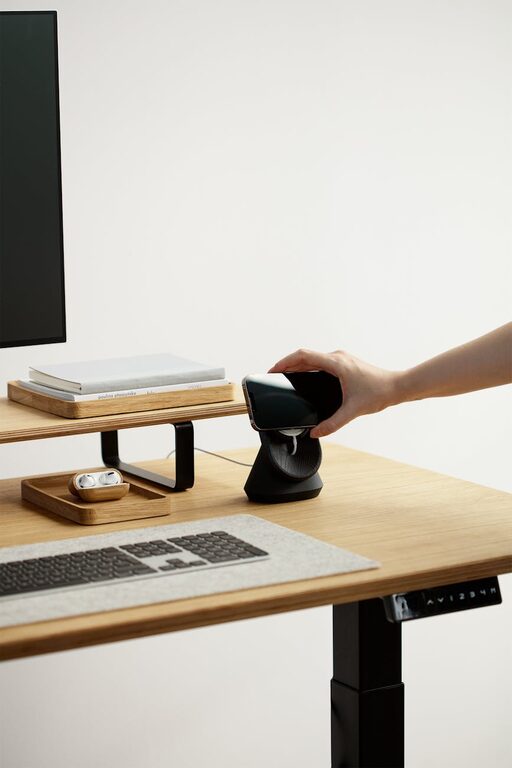
– Use trays or containers to hold pens, paperclips, and other small items.
– Invest in drawer organizers to separate materials and reduce mess.
– Consider vertical storage like shelves or wall-mounted organizers to save space.
Maintain a Clear Work Surface
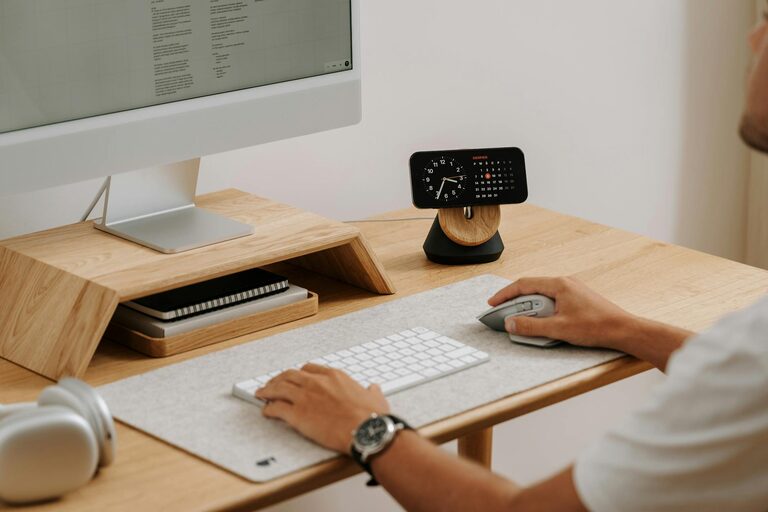
– Keep only your computer, a notebook, and one or two essential items on your desk.
– Use wireless devices to reduce cable clutter.
– Regularly clear papers and notes at the end of each day.
Cable Management
Messy cables can quickly make a workspace look chaotic. Organize cables by:
– Using cable clips or ties to bundle wires.
– Routing cables behind or under your desk.
– Labeling cables for easy identification.
– Minimizing the number of electronic devices where possible to reduce cables.
Design for Comfort and Productivity
Chair and Desk Setup
– Choose a comfortable, ergonomic chair that supports good posture.
– Adjust your desk and chair height so your arms rest comfortably while typing.
– Place your monitor at eye level to avoid neck strain.
Lighting
– Use adjustable desk lamps for focused lighting.
– Avoid glare by positioning screens perpendicular to windows.
Digital Organization
A productive workspace isn’t just physical. Organize your digital files and tools too:
– Create clear folder structures for work documents.
– Use task management apps to keep track of projects and deadlines.
– Keep your desktop clean by archiving files you don’t need immediately.
Develop Daily Habits to Maintain Organization
Organization requires ongoing effort. Build habits such as:
– Spending five minutes at the end of each day tidying up your workspace.
– Putting items back in their designated spots immediately after use.
– Reviewing your workspace setup monthly to adjust or declutter as needed.
Personal Touches Without Clutter
Add a few personal items to make your workspace inviting, but avoid clutter:
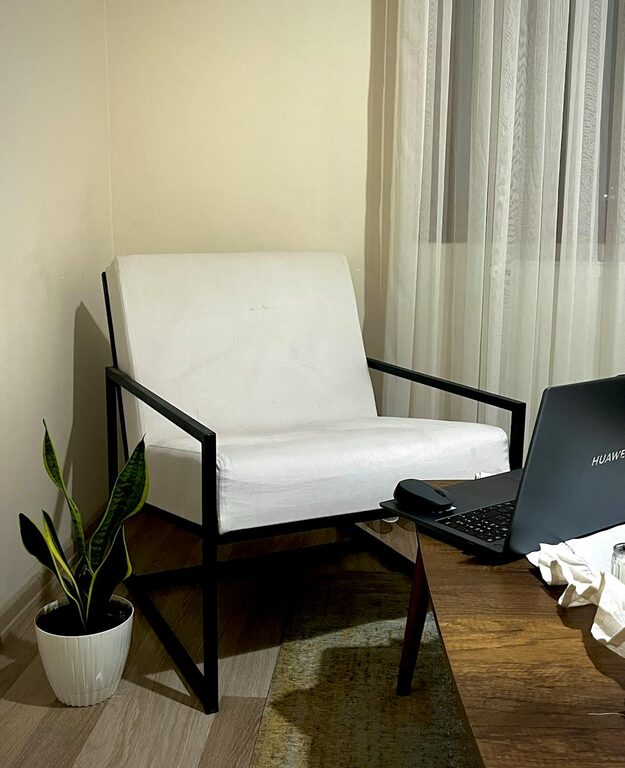
– A small plant or two for a touch of nature.
– A photo frame or inspirational quote.
– Minimalist decorations that don’t take up much space.
These can enhance your mood and make your workspace feel welcoming.
Conclusion
A clutter-free and productive home workspace starts with intentional choices: from your location and storage solutions to daily habits. By following these tips, you can create an environment that supports focus, efficiency, and comfort—helping you get the most out of your workday. Remember, the key is consistency and keeping only what truly serves your work process.
Try implementing these strategies step-by-step, and enjoy the benefits of a well-organized, inspiring home office.