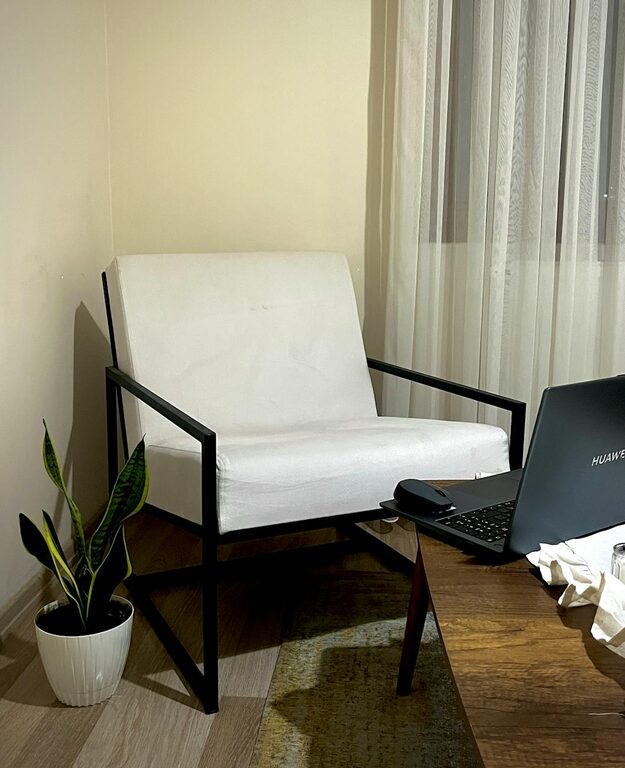
Creating a cozy and inviting home office is essential for both productivity and well-being. Whether you work remotely full-time or occasionally need a dedicated space for tasks, your office should inspire focus while feeling comfortable. In this post, we’ll explore practical tips to design a home office that balances style, comfort, and functionality.
Choose the Right Location
Find a Quiet Spot
The foundation of a great home office is its location. Ideally, choose a quiet area with minimal distractions. This could be a spare room, a corner of your living room, or even a nook near a window. Avoid high-traffic areas where noise or interruptions are common.
Consider Natural Light
Natural light boosts mood and energy levels, so position your desk near a window if possible. If natural light is limited, invest in good-quality, adjustable lighting that mimics daylight. A desk lamp with warm light can complement overhead lighting and reduce eye strain.
Invest in Comfortable Furniture
Ergonomic Chair
Comfort matters when you spend hours sitting. An ergonomic office chair that supports your back and promotes good posture can prevent discomfort and improve focus. Look for adjustable height, lumbar support, and breathable materials.
Functional Desk
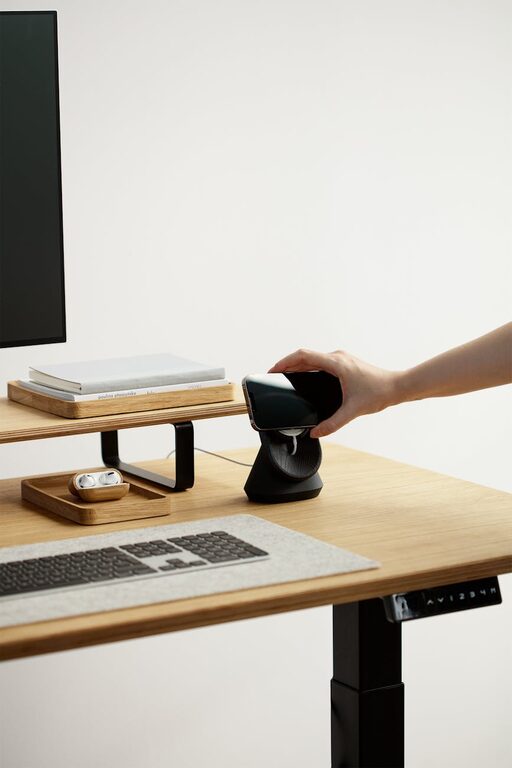
Choose a desk that fits your needs and space. A clutter-free surface supports productivity. If space is tight, consider a wall-mounted desk or a compact design with storage. Make sure the height suits your chair and encourages proper posture.
Personalize Your Workspace
Add Soft Textiles
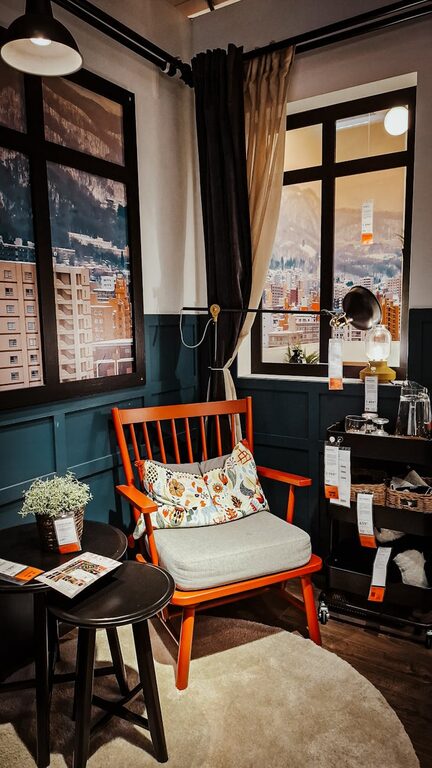
Incorporate cozy elements like a soft rug under your desk or a cushioned seat pad. These small touches add warmth and comfort, making the space feel more inviting.
Include Personal Decor
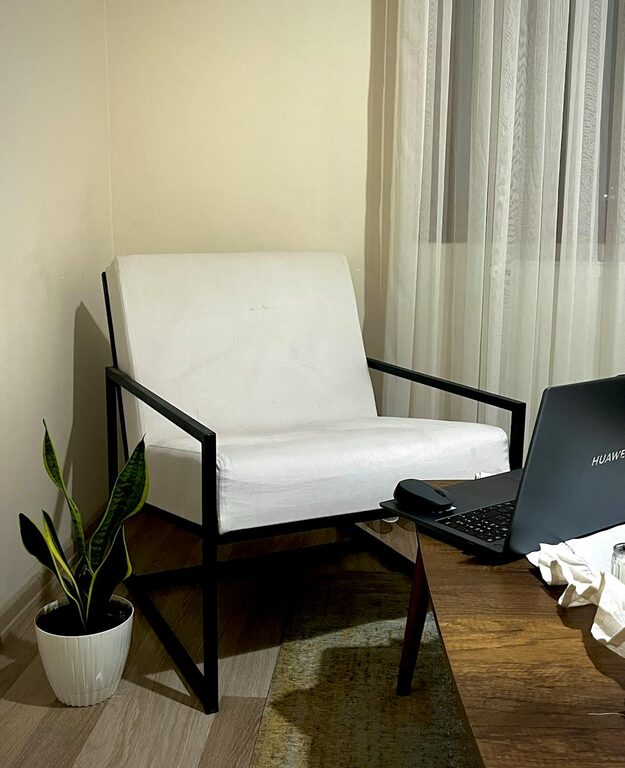
Plants, artwork, or inspirational quotes can make your office feel uniquely yours. Green plants improve air quality and add a sense of calm. Choose decor that motivates you without creating clutter.
Organize Efficiently
Use Storage Solutions
Keep your desk tidy with organizers, drawers, or shelves. Decluttering your workspace helps clear your mind and saves time searching for supplies. Vertical storage can maximize small spaces.
Cable Management
Unruly cables create visual chaos and distractions. Use cable clips, sleeves, or under-desk trays to keep cords neat and out of the way. A clean setup also reduces the risk of tripping or equipment damage.
Optimize Lighting and Ambience
Layered Lighting
Combine ambient, task, and accent lighting to create a balanced and inviting atmosphere. Overhead lights provide general brightness, desk lamps focus light on your work area, and soft accent lights add warmth.
Control Temperature and Ventilation
Ensure your home office is well-ventilated and at a comfortable temperature. A small fan, air purifier, or heater can help maintain a pleasant environment year-round.
Maintain a Work-Life Balance
Define Office Boundaries
Designate your office space exclusively for work if possible. This physical boundary helps you switch into work mode and better separate professional and personal life.
Set Daily Rituals
Start your workday with a routine such as tidying your desk or brewing coffee. Ending the day by shutting down your equipment and tidying your space signals the end of work and helps you relax afterward.
Technology and Connectivity Tips
Reliable Internet Connection
A strong internet connection is a must for most home office setups. Position your workspace close to the router or use a wired connection for stability.
Essential Equipment
Depending on your work needs, invest in good-quality technology such as a monitor, keyboard, mouse, and headphones. These tools contribute to comfort and efficiency.
—
Creating a cozy and inviting home office takes a bit of effort, but the benefits are worth it. By focusing on comfort, personalization, organization, and practical needs, you can craft a workspace that not only looks good but also supports your productivity and well-being. Start small, adjust what doesn’t work, and enjoy your new inspiring office retreat at home.